Can Smart Home Technology Create New Cleaning Challenges?
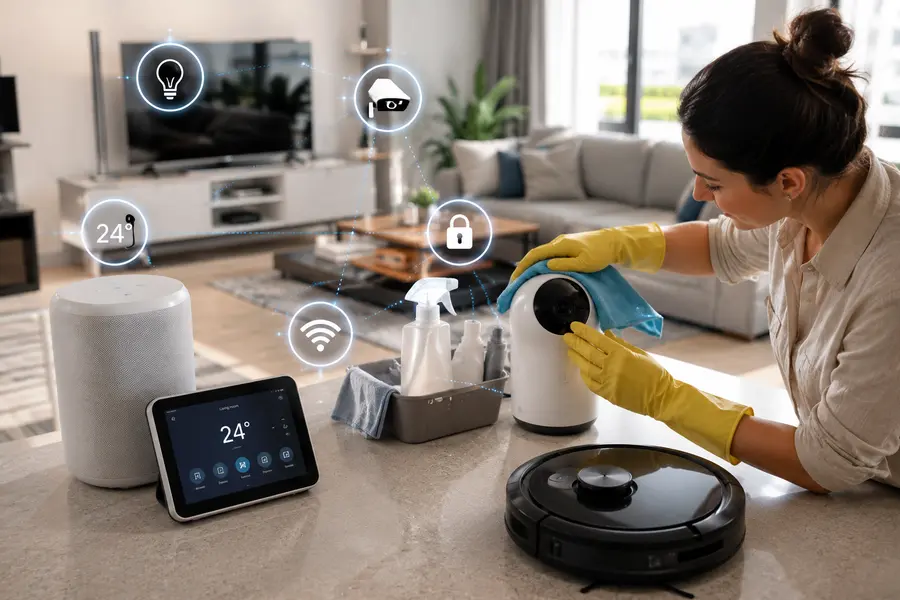
Smart homes are changing the way Aussies live their lives. Technology is making our daily tasks easy and quick in every way, such as with programmable lighting, voice assistants, and connected appliances – even robot vacuum cleaners. In fact, cleaning has also become high-tech in many homes, with features like scheduled vacuuming, app-controlled devices, and automated maintenance procedures. But as with so many tech-related things, the promise of convenience can bring new types of cleaning. This is the transition that is now influencing the way people think about smart cleaning in the home. Then again, could smart home technology lead to new cleaning challenges of its own? “Can smart home technology actually create more cleaning challenges? There’s no doubt that the answer is yes—understanding these issues makes it possible to reap the benefits rather than toiling unnecessarily.
Smart Homes Need Different Cleaning
Standard cleaning is limited to what is visible on the floor, in the kitchen and bathroom, and on the furniture. Smart homes bring a layer over this. Dust accumulation on devices such as security cameras, air quality monitors, smart speakers, automated window blinds, and connected devices occurs at places that are often overlooked for dusting and actually reduces the performance of the device and shortens its lifespan of the device, with build-up blocking sensors and affecting performance. We have now reached a point where cleaning tools require cleaning. It is an example of how a wet-dry Robot Vacuum Cleaner can vacuum or mop up your floors via automation; however, they will still require replacing filters; cleaning out the water tanks; keeping the rollers clean; and taking care of the charging dock. The result cleaning is less hands-on but more maintenance-centric.
Hidden Dust Around Devices
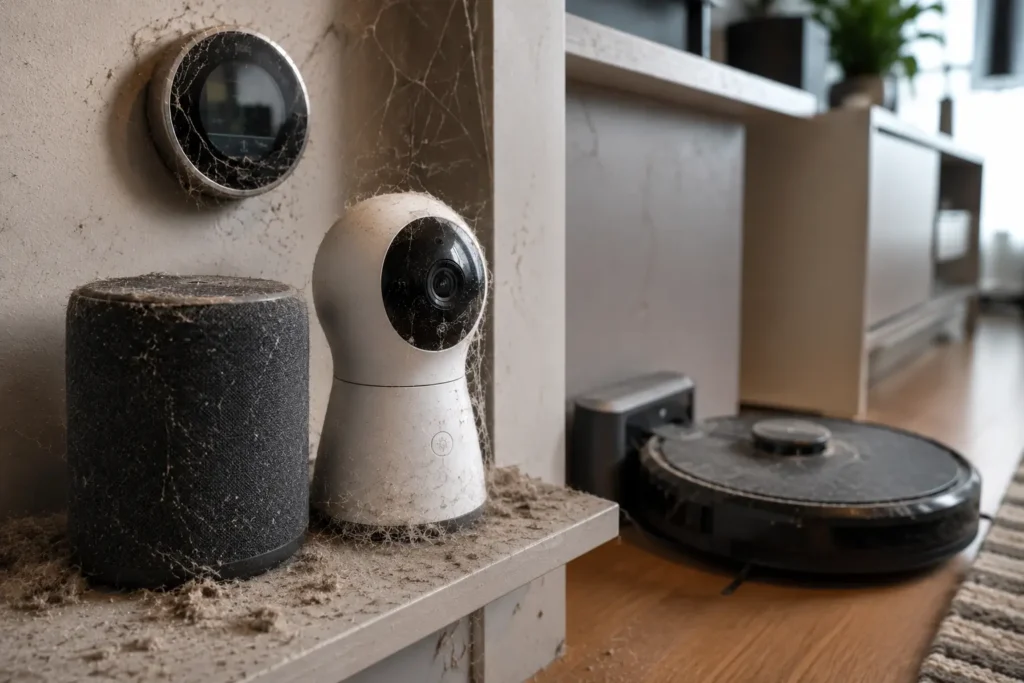
The critical cleaning challenge for smart homes is the buildup of unseen dust. Smart devices frequently reside in locations that are not regularly cleaned: In homes with multiple connected devices, expert cleaning operators can help identify and clean overlooked areas where dust tends to accumulate.
- Behind charging docks
- Under entertainment units
- Around cable connections
- Near Wi-Fi equipment
- Inside appliance vents
Dust can cover sensors and degrade performance. Smart thermostats and air monitoring devices are particularly sensitive, as dirt can impact readings and airflow.
Areas homeowners often miss:
| Smart Device | Cleaning Requirement | Recommended Frequency |
| Smart speakers | Wipe exterior and vents | Weekly |
| Security cameras | Clean lens surface | Monthly |
| Charging stations | Dust and inspect cables | Every 2 weeks |
| Smart displays | Microfibre screen clean | Weekly |
| Air quality monitors | Sensor cleaning | Monthly |
Incorporating these small jobs into your daily schedule results in smarter cleaning for your home.
Robot Cleaners Need Cleaning
Robotic cleaners are time savers, but they don’t come without upkeep. One myth about these automated cleaners is that they eliminate the need for any household work. Products such as wet and dry system Robot Vacuum Cleaner can only deliver excellent results if the user takes good care of the device.
Without cleaning:
- Brushes collect hair
- Filters become blocked
- Water tanks develop odours
- Sensors stop detecting obstacles accurately
- Docking stations accumulate dust
Robocleaning is highly prevalent among Australian homes due to their busy lifestyle, including pets and the larger floor spaces. Regular upkeep can result in consistent performance.
Basic robot cleaner care checklist:
- Empty dust container after use
- Rinse water tanks regularly
- Remove hair from rollers
- Clean sensors with a soft cloth
- Inspect wheels monthly
- Keep charging dock clear
Small maintenance habits prevent larger cleaning problems down the line.
Smart Kitchens Bring Extra Maintenance
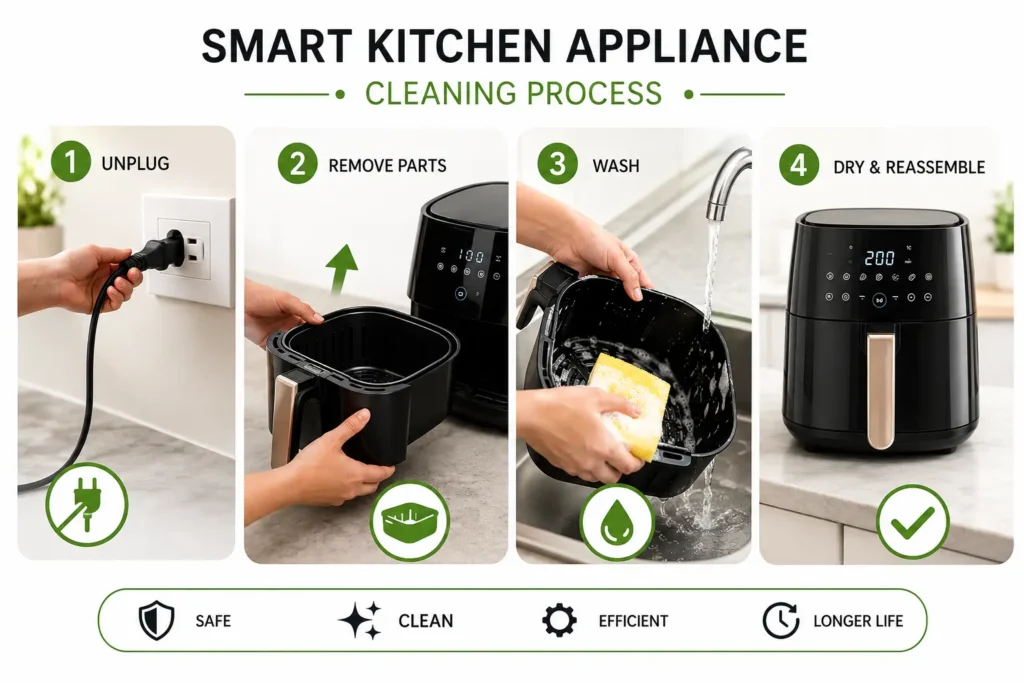
Nowadays, more and more kitchens in the modern age are having appliances that are connected.
Examples include:
- Smart refrigerators
- Wi-Fi ovens
- Automated coffee machines
- Sensor taps
- Connected dishwashers
These appliances enhance convenience but introduce more cleanable surfaces. Touchscreens attract fingerprints.
- Sensors collect grease.
- Hidden vents trap dust.
- Unlike traditional appliances, aggressive chemicals may damage sensitive surfaces.
A safer approach includes:
- Soft microfibre cloths
- Gentle cleaning products
- Light moisture only
- Regular surface wiping
Taking proper care of these appliances not only maintains the hygiene of the product but also its working condition.
More Devices Mean More Surfaces
Technology contributes to the sheer amount of things inside your house. Each additional device adds another surface to clean.
Think about:
- Smart lamps
- Home assistants
- Wireless chargers
- Streaming devices
- Smart switches
- Connected clocks
Separately, those things seem small. But together, they add up to some pretty serious upkeep. Generally, it is better to clean the house by sections rather than cleaning it all at once. For example:
- Monday → Living room devices
- Wednesday → Kitchen technology
- Friday → Bedrooms and chargers
This strategy makes smart home cleaning doable.
Water And Electronics Risks
Cleaning smart homes demands more caution as well. Conventional cleaning processes occasionally require spraying surfaces or applying moisture. When it comes to electronics, that creates danger. More likely are water damage, rust and electrical short circuits.
Safer cleaning habits include:
- Switching devices off first
- Applying cleaner to cloth—not devices
- Avoiding harsh chemicals
- Keeping ports dry
- Using anti-static cloths
Technological shifts affect not only what needs to be cleaned but also how cleaning should take place.
Balancing Automation And Manual Cleaning
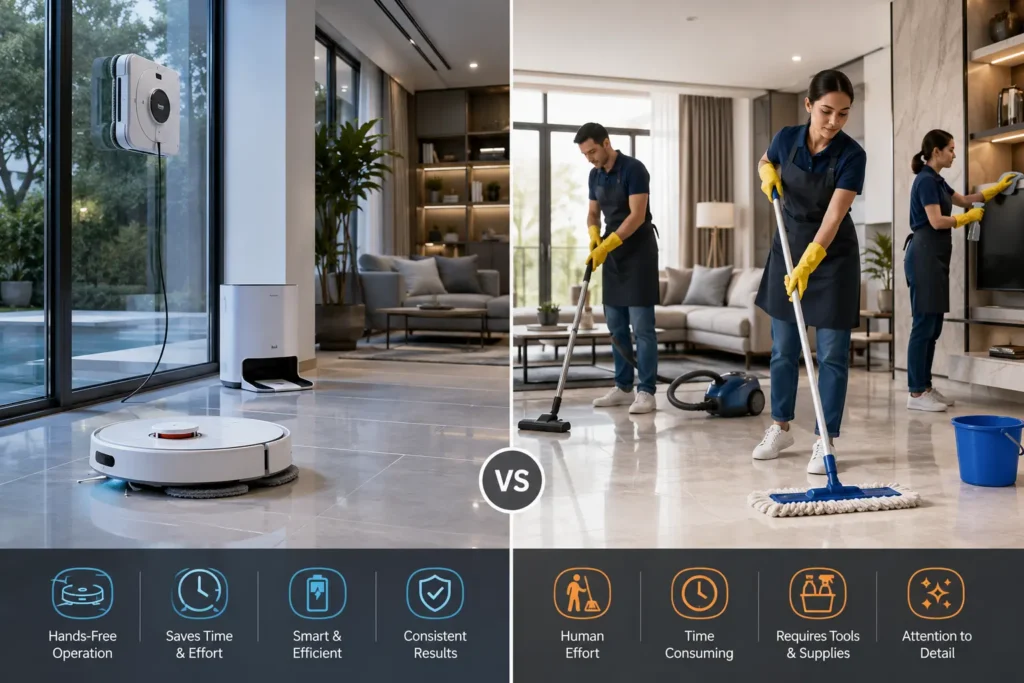
Automation is most effective when it is combined with periodic manual maintenance. Automated products eliminate repetitive tasks, but they cannot substitute for a thorough cleaning. Although a Robot vacuum cleaner wet and dry machine can be used for everyday cleaning of floors, corners, upholstery, skirting boards, windows and high surfaces still require cleaning.
Smart cleaning balance:
It’s not about cleaning less—or about doing it differently- but about making it less effort while still achieving the same result.
| Cleaning Task | Smart Device Helps | Manual Cleaning Still Needed |
| Floor cleaning | Yes | Occasionally |
| Mopping | Yes | Deep clean required |
| Dusting furniture | Limited | Yes |
| Window cleaning | Rarely | Yes |
| Appliance cleaning | No | Yes |
| Sensor maintenance | No | Yes |
The most successful families utilise both strategies.
Simple Ways To Stay Ahead
A sustainable cleaning schedule helps to keep smart homes more manageable.
Try these practical strategies:
- Create device cleaning reminders
Plan regular maintenance in your phone.
- Store cleaning tools nearby
Keep the microfiber cloths and gentle detergents easily accessible.
- Review devices monthly
Inspect for dust or grime, and check for performance.
- Avoid clutter
There is more maintenance to do when there are too many connected devices.
- Read manufacturer instructions
Various tools might have to be cleaned using different methods. These minor habits maintain convenience without added labour.
Conclusion
Smart technology is changing Australia’s lifestyles by making homes more energy efficient, comfortable and convenient. Automated cleaning systems, networked appliances and smart devices make daily life less of a hassle and managing a household becomes a lot easier. But convenience doesn’t eliminate cleaning – it modifies it. To clean a smart home effectively, you must realise that all connected devices need attention, maintenance, and proper care. Dusting around sensors, appliance care, and maintenance of a Robot vacuum cleaner wet and dry system are all part of the new cleaning paradigm. When technology and smart cleaning habits are combined, homeowners can have the best of both worlds – cleaner homes without new frustrations. Homeowners should also be aware of common cleaning issues that can impact property presentation, as explained in cleaning red flags property managers notice fast.
Related Posts
Tips to Use a Spray Mop for Perfect Streak Free Floors
Did you ever mop home and then see the impression of streaks appearing by the…
Common Bathroom Cleaning Problems and How to Fix Them
Bathrooms, more than any other room in the house, are frequently used and because of…
Understanding the pH Levels of Everyday Cleaning Products
Have you ever wondered if some cleaning products are more potent than others, or if…